Loading Screens


[Reason: No reason provided.]

Loading Screens is a screen that is shown when loading into the client or loading into worlds. It displays helpful tips about VRChat, as well as showing a download progress bar.
Client
The loading screen scene consists of a teal void with bubble-like particles floating around. In the center of the view point is a graphic showing a loading tip. Underneath, displays the percentage of the world downloading progress. Below that, shows a button to return to the user's home world.
After downloading, the loading screen will display the thumbnail of the world with a load indicator below it. The load indicator states progress in this order:
- "Initializing World...", "Connecting...", "Joining...", and "Almost Done!"{verify} if the loading takes too long.
While in VR, you are able to see a mirrored version of the loading screen by looking behind.
Worlds
There are 28 loading screens that can be displayed when entering into a world:
-
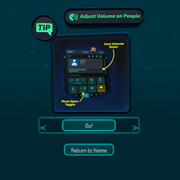 Adjust Volume on People
 -
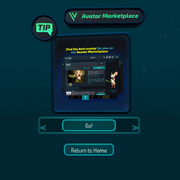 Avatar Marketplace
 -
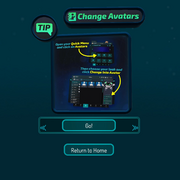 Change Avatars
 -
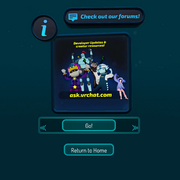 Check out our forums!
 -
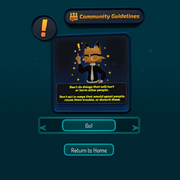 Community Guidelines Disturb
 -
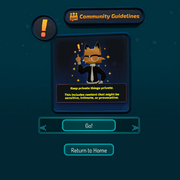 Community Guidelines Private
 -
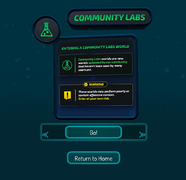 Community Labs
 -
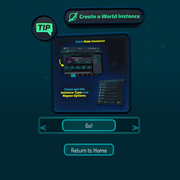 Create a World Instance
 -
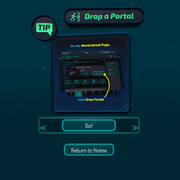 Drop a Portal
 -
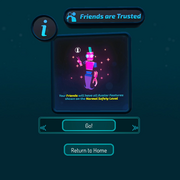 Friends are Trusted
 -
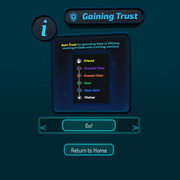 Gaining Trust
 -
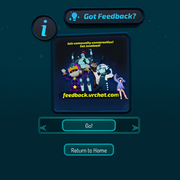 Got Feedback?
 -
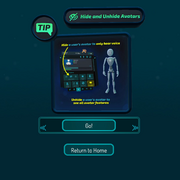 Hide & Unhide Avatars
 -
 Join the VRChat Discord
 -
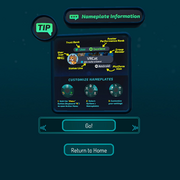 Nameplate Information
 -
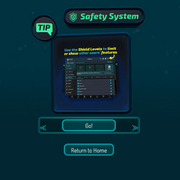 Safety System
 -
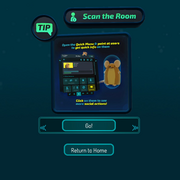 Scan the Room
 -
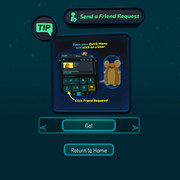 Send a Friend Request
 -
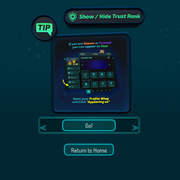 Show / Hide Trust Rank
 -
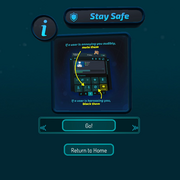 Stay Safe
 -
 VRChat Marketplace
 -
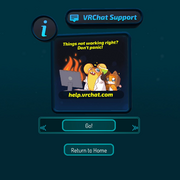 VRChat Support
 -
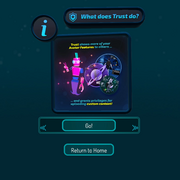 What does Trust do?
 -
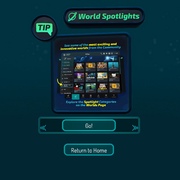 World Spotlights
 -
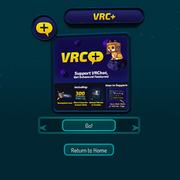 VRC+
VRC+ -
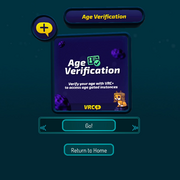 VRC+ Age Verification
 -
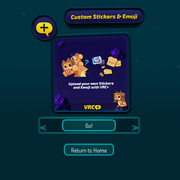 VRC+ Custom Stickers & Emoji
 -
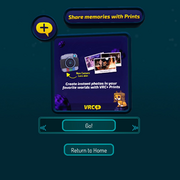 VRC+ Share Memories with Prints


Custom
Select worlds can display a custom loading screen, needing permission from VRChat. This is usually associated with linking data with a third-party website. This type of loading screen requires the user to press an "Accept & Continue" button to join the world.
-
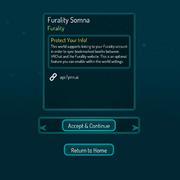 Custom

Android
There are 3 loading screens that can be displayed when joining a world from the app.
-
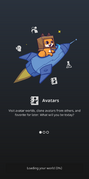 Avatars
 -
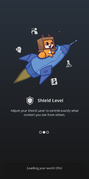 Shield Level
 -
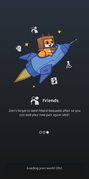 Friends




