Loading Screens: Difference between revisions
No edit summary |
Added Loading Screen cosmetics section. |
||
| Line 56: | Line 56: | ||
File:AndroidLoadingScreen_Friends.png|Friends | File:AndroidLoadingScreen_Friends.png|Friends | ||
</gallery> | </gallery> | ||
== Cosmetics == | |||
{{Noticebox/unreleased|{{Upcoming_inline|2026.1.3|docs.vrchat.com/docs/vrchat-202613}}}} | |||
{| class="wikitable" | |||
!Image | |||
!Name | |||
!Released | |||
!Available until | |||
!Requirement | |||
!Description | |||
|- | |||
|[[File:LoadingScreen_Default.png|center|frameless|70x70px]] | |||
|Default | |||
|March 17, 2026 | |||
| - | |||
| - | |||
|The default loading screen. | |||
|- | |||
|[[File:LoadingScreen_Loading_Cubes.png|frameless|70x70px]] | |||
|Loading Cubes | |||
|March 17, 2026 | |||
|End of 2026.1.3 Open Beta | |||
|Have a currently active [[VRC+]] subscription. | |||
|''A new loading screen, featuring the Reference Cube. Lasts until the end of Open Beta.'' | |||
|} | |||
== Settings for the loading screen == | == Settings for the loading screen == | ||
| Line 75: | Line 100: | ||
== See also == | == See also == | ||
* [[Portals]] | * [[Portals]] | ||
* [[Worlds]] | * [[Worlds]] | ||
| Line 81: | Line 105: | ||
== References == | == References == | ||
[[Category:User_Interface{{#translation:}}]] | [[Category:User_Interface{{#translation:}}]] | ||
== Navigation == | |||
{{Navbox/Inventory}} | |||
Revision as of 01:56, 18 March 2026


Loading Screens are a series of intermittent scenes that are shown when loading into the client or worlds. It displays helpful tips about VRChat, as well as display a download progress bar.
Client
The loading screen scene consists of a teal void with bubble-like particles floating around. In the center of the view point is a graphic showing various tips. Underneath, displays the percentage of the world downloading progress. Below that, shows a "Return to Home" button to return to the user's home world. If the user is loading their home world, and they click the Return to Home button, it will load the VRChat Home instead.
After downloading, the loading screen will display the thumbnail of the world with a load indicator below it. The load indicator states progress in this order:
- "Initializing World...", "Connecting...", "Joining...", and "Almost Done!"{verify} if the loading takes too long.
While in VR, you are able to see a mirrored version of the loading screen by looking behind.
Tips
There are 28 loading screens that can be displayed when entering into a world:
-
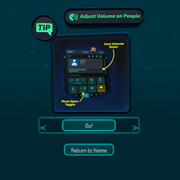 Adjust Volume on People
 -
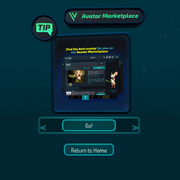 Avatar Marketplace
 -
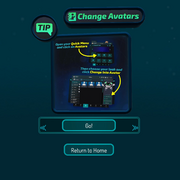 Change Avatars
 -
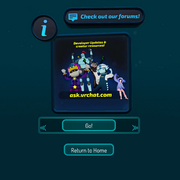 Check out our forums!
 -
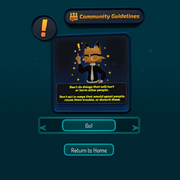 Community Guidelines Disturb
 -
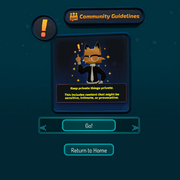 Community Guidelines Private
 -
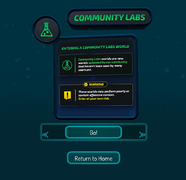 Community Labs
 -
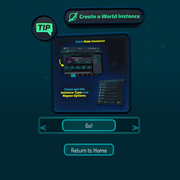 Create a World Instance
 -
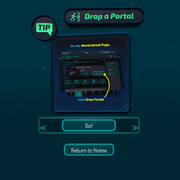 Drop a Portal
 -
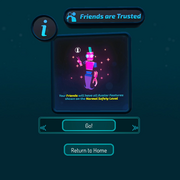 Friends are Trusted
 -
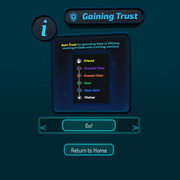 Gaining Trust
 -
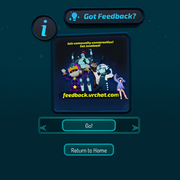 Got Feedback?
 -
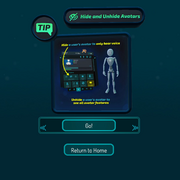 Hide & Unhide Avatars
 -
 Join the VRChat Discord
 -
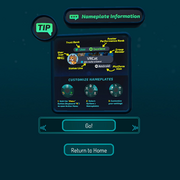 Nameplate Information
 -
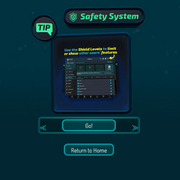 Safety System
 -
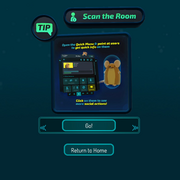 Scan the Room
 -
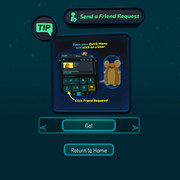 Send a Friend Request
 -
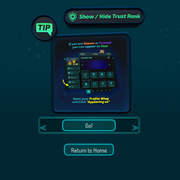 Show / Hide Trust Rank
 -
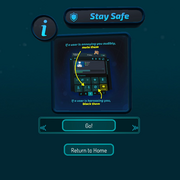 Stay Safe
 -
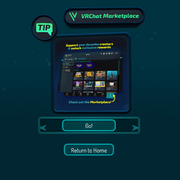 VRChat Marketplace
 -
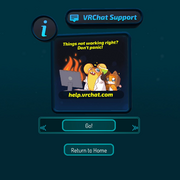 VRChat Support
 -
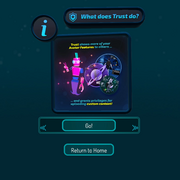 What does Trust do?
 -
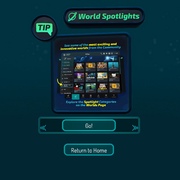 World Spotlights
 -
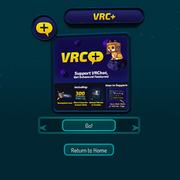 VRC+
VRC+ -
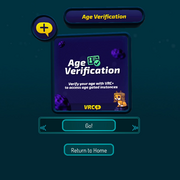 VRC+ Age Verification
 -
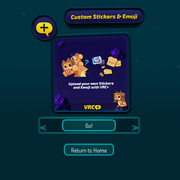 VRC+ Custom Stickers & Emoji
 -
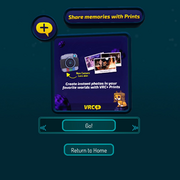 VRC+ Share Memories with Prints


Custom
Select worlds can display a custom loading screen, needing permission from VRChat. This is usually associated with linking data with a third-party website. This type of loading screen requires the user to press an "Accept & Continue" button to join the world.
-
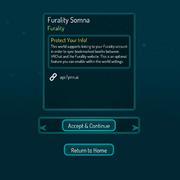 Custom

Android
There are 3 loading screens that can be displayed when joining a world from the app.
-
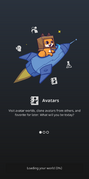 Avatars
 -
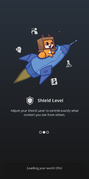 Shield Level
 -
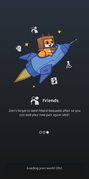 Friends


Cosmetics

| Image | Name | Released | Available until | Requirement | Description |
|---|---|---|---|---|---|
 |
Default | March 17, 2026 | - | - | The default loading screen. |

|
Loading Cubes | March 17, 2026 | End of 2026.1.3 Open Beta | Have a currently active VRC+ subscription. | A new loading screen, featuring the Reference Cube. Lasts until the end of Open Beta. |
Settings for the loading screen
"Go!" button
Within the Main Menu Settings menu, under the User Interface tab, there is an option to toggle a "Go!" button on load. Having this setting enabled requires the user to click the Go button before loading into the world. Disabling the setting will remove the Go button, causing you to automatically join when the download is completed.
Preloading worlds
When browsing a world's page from within the VRChat client, an Action that can be clicked is Preload World. By preloading a world before joining, most of the loading screen can be skipped.
Trivia
- The music from the loading screen is called "Passing Through", by Erick McNerney[1].
- Erick McNerney has several official remixes of Passing Through on his YouTube channel.
- Before 2018, the loading screen was an outer space skybox that played "Partially Offline", by Andrea Baroni[2].
- This particular loading screen is re-created in the VRChat Home - 10 Years world.
- Partially Offline can also be heard in the VRChat Home music player.
- It might be speculated that the loading screen is a world called The In-Between.
See also
References
| InventoryV · E |
|---|
- ↑ Erick McNerney's Bandcamp website at erickmcnerney.bandcamp.com; retrieved May 26, 2025
- ↑ Andrea Baroni's website at andreabaroni.com; retrieved May 26, 2025


